Open it
On the Overview dashboard, click the Open Work Orders card. The Fiscal Year, Period and Live controls work as described there.
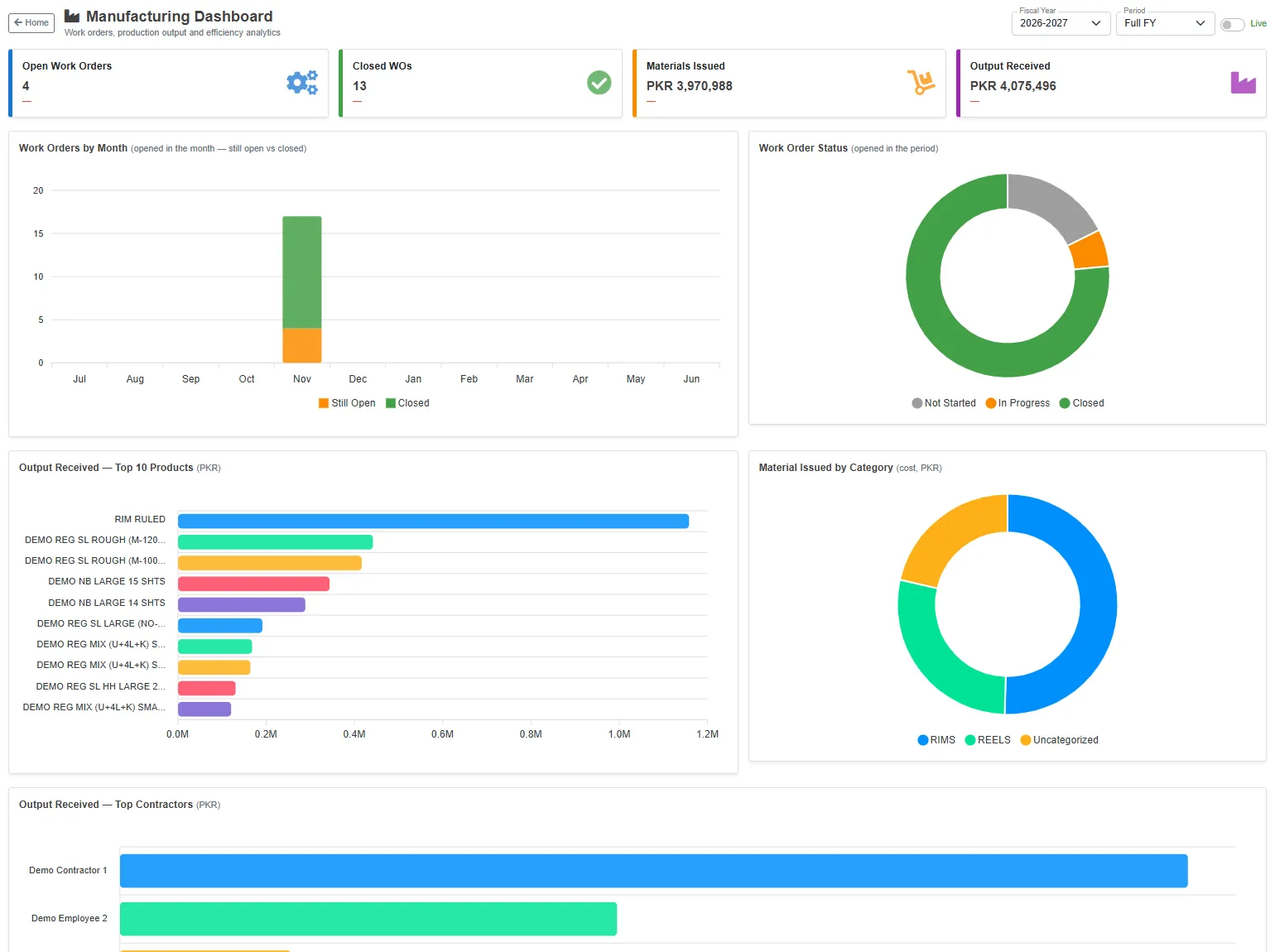
The cards
| Card | What it shows |
|---|---|
| Open Work Orders | Work orders not yet closed, now. Each job of a work order counts. |
| Closed WOs | Work orders opened in the period that are now closed. |
| Materials Issued | The cost of the materials issued to work orders in the period. |
| Output Received | The value of the products received from work orders in the period. |
The charts
| Chart | What it shows |
|---|---|
| Work Orders by Month | The work orders opened each month, split into those Still Open and those Closed since. A work order is counted in the month it was opened. |
| Work Order Status | The work orders opened in the period: Not Started (nothing issued or received yet), In Progress and Closed. |
| Output Received — Top 10 Products | The products with the most value received in the period. |
| Material Issued by Category | The cost of the materials issued, by product category, for example rims and reels. |
| Output Received — Top Contractors | The value received from the work orders of each contractor. |