Which one to use
There are three documents for things coming back. Pick by what has happened.
| Document | Use it when | Stock | Accounts |
|---|---|---|---|
| Delivery Return | Goods come back for a challan, and the order should show them as not delivered. | Not changed. | Nothing posted. |
| Sales Return Bill | The customer returns goods you have billed. | Goods go back into stock. | Posts a voucher. |
| Credit Note | You credit the customer without taking goods back, for example a price adjustment. | Not changed. | Posts a voucher. |
Delivery Return
Open Sales (Stock) and click Delivery Return.
- Click the green Add Delivery Return.
- In Add from delivered challans, pick the customer. Their delivered lines appear with what was Delivered, what has been Returned, and the Balance that can still come back.
- Tick the lines that are coming back, then click Add selected.
- Fill in the header: Return date (required), Type, Stock room, Customer, Vehicle no, By hand and the Description (required).
- Check the Qty on each line, then click Save.
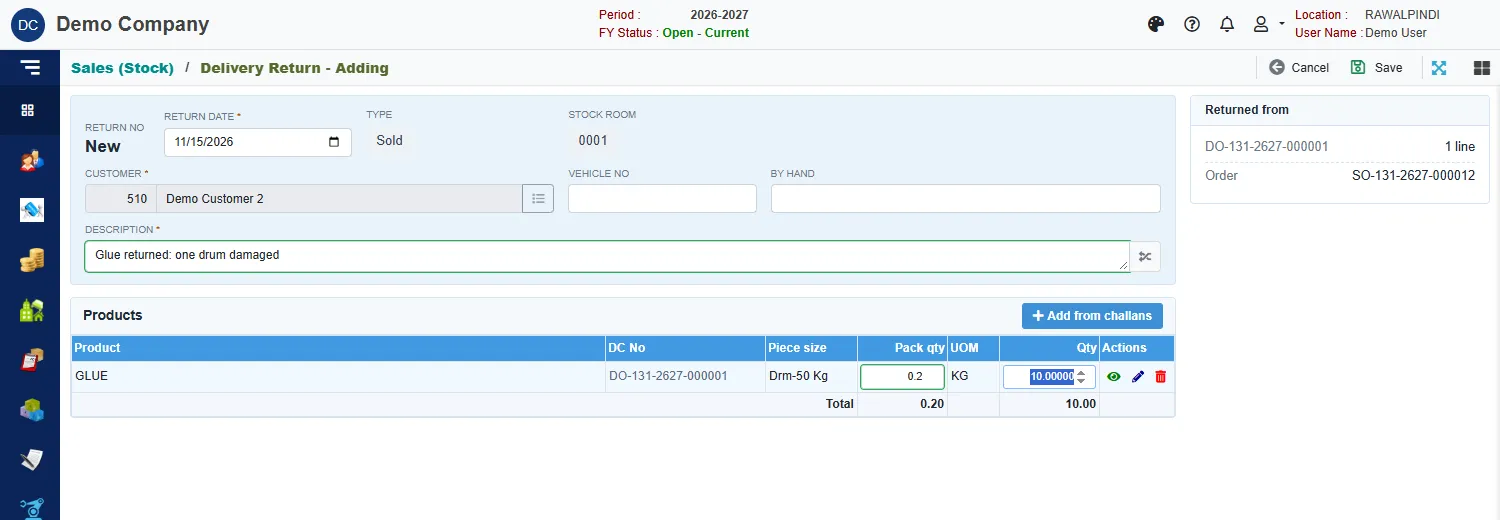
You can only return what has been delivered and not yet returned.
A delivery return takes the returned quantity off what the order shows as delivered, so it becomes pending on the order again. It does not put the goods back into stock. To put returned goods back into stock, use a Sales Return Bill, which has a stock room on each line.
Sales Return Bill
Open Sales (Stock) and click Sales Return Bill.
Click the green Add Sales Return.
In Add from sales bills, pick the customer. Their billed lines appear with what was Billed, what has been Returned and the Balance.
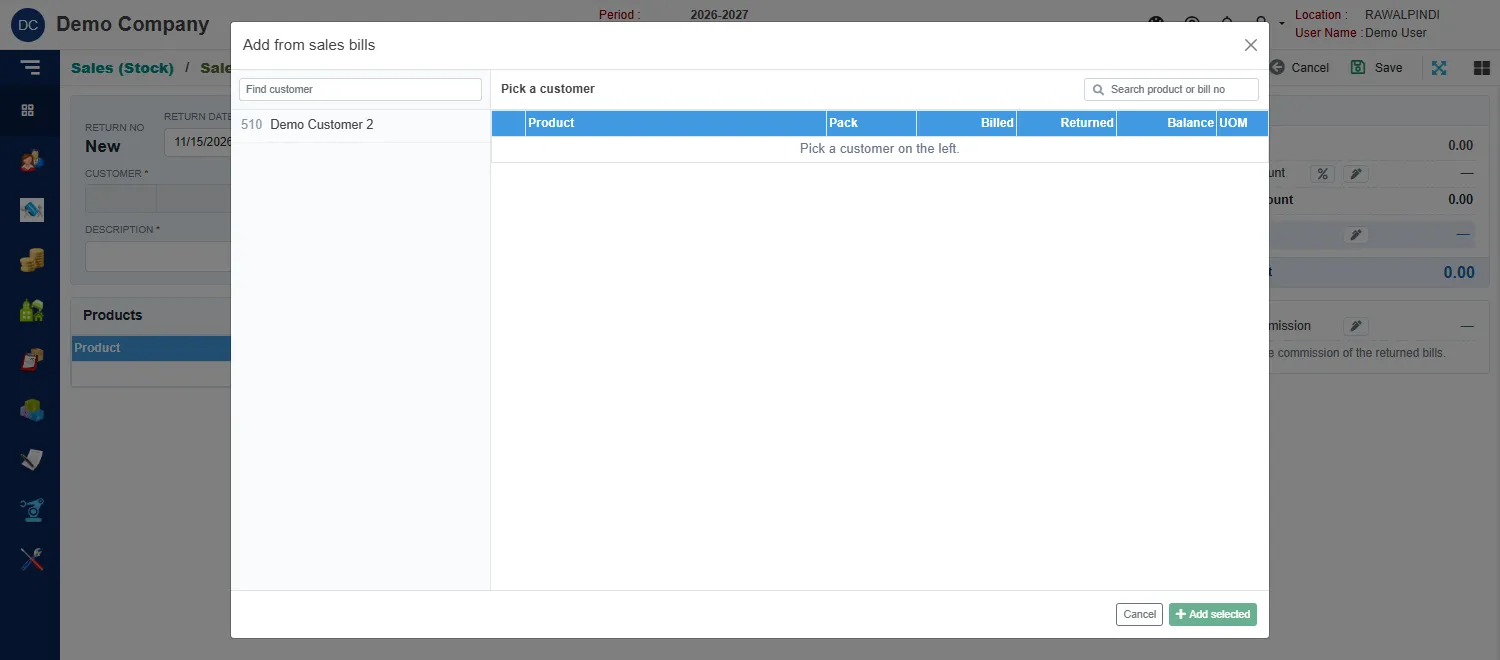
Choosing the bill lines to return Tick the lines being returned and click Add selected.
Fill in the header: Return date (required), Bill type, Sales tax inv no and Sales tax inv date, Transfer, Customer, Sales return account (required: the account the return is debited to) and the Description (required).
Give each line its Stock room: the room the goods go back into.
Click Save.
The return posts to the stock room and to the accounts, and the list shows its Against bill and a Voucher. Returns are numbered SR-.
Credit Note
Open Sales (Stock) and click Credit Note. It works like the sales return bill, with these differences:
- It is made from sales bills in the same way, and is numbered
CN-. - There is no stock room on the lines, because stock is not changed.
- It credits the customer's account only.
Messages you may see
| Message | What to do |
|---|---|
| Currency is required / Currency Rate is required | The document is in a foreign currency: pick the currency and enter its rate. |
| Commission can't be calculated without net sales | Add lines before opening the agent commission. |
| Opps! Nothing to save | You have not changed anything. |