Open it
On the Overview dashboard, click the Employees card. The Fiscal Year, Period and Live controls work as described there.
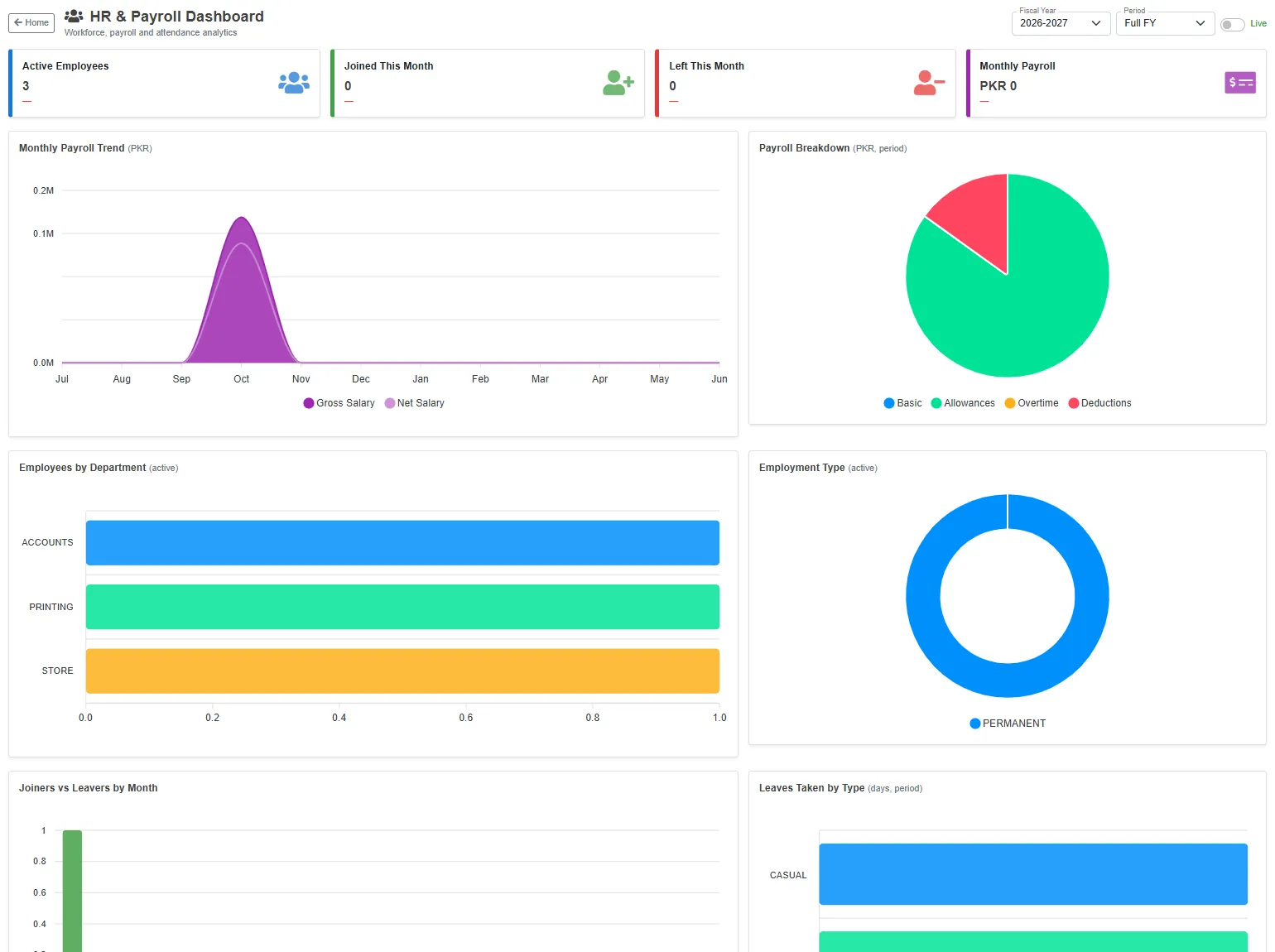
The cards
| Card | What it shows |
|---|---|
| Active Employees | Employees on the list who have not left, now. |
| Joined This Month | Employees whose joining date is in this month. |
| Left This Month | Employees whose leave date is in this month. |
| Monthly Payroll | The net salary of this month's payslips. It stays 0 until the month's payslips are made. |
The charts
| Chart | What it shows |
|---|---|
| Monthly Payroll Trend | The gross and net salary of the payslips of each month of the fiscal year. |
| Payroll Breakdown | The payslips of the period split into Basic, Allowances, Overtime and Deductions. |
| Employees by Department | The active employees in each department. |
| Employment Type | The active employees by employee type, for example permanent or contract. |
| Joiners vs Leavers by Month | How many employees joined and left each month. |
| Leaves Taken by Type | The leave days taken in the period, by leave type. |