Log in
- Open PrixERP in your browser.
- Type your User Id and User Password.
- Click LOGIN.
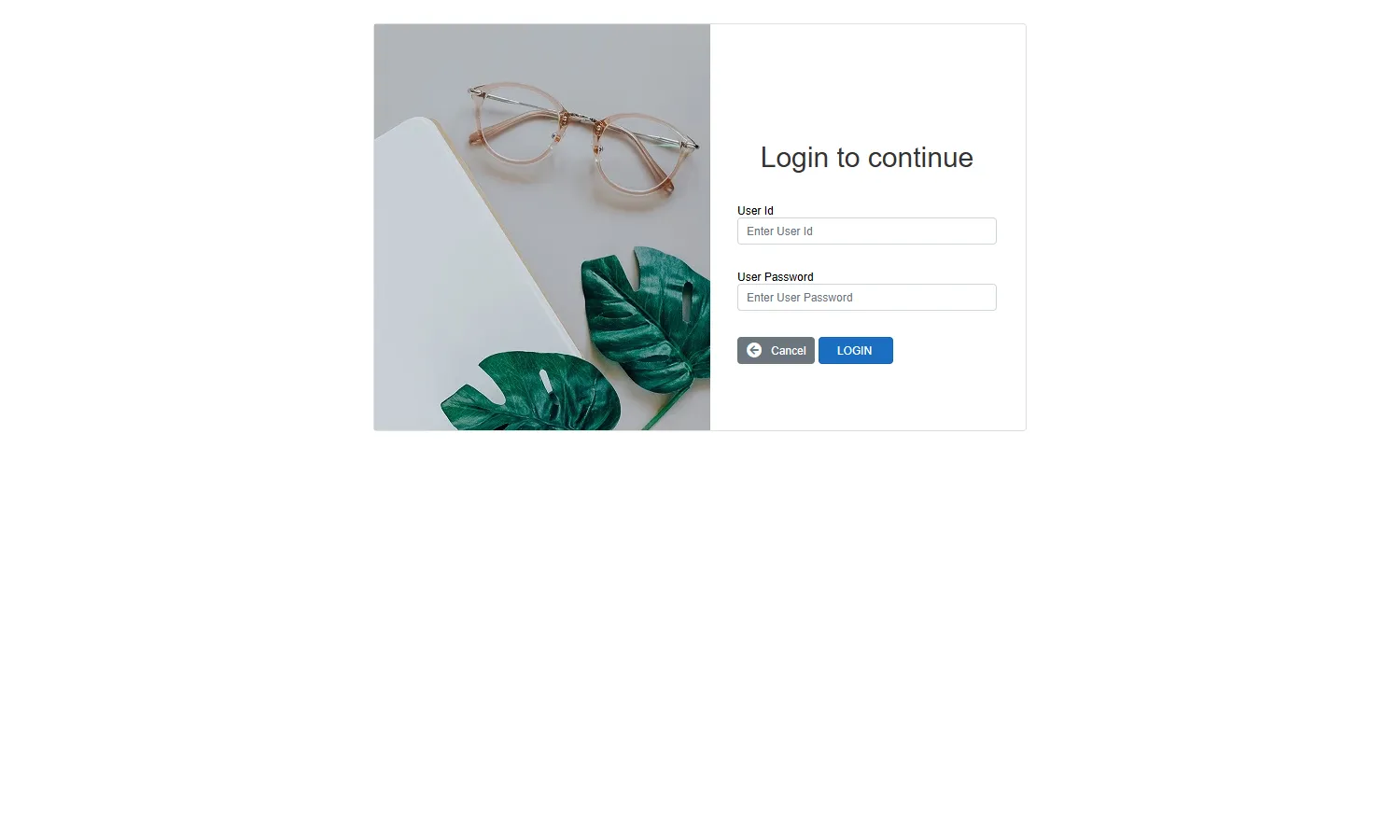
Your User Id is given to you by your administrator, for example 131.yourname. If you forget your password, ask the administrator to reset it. You can change it yourself later from Reset Password in the user menu.
Choose the fiscal year and location
After you log in, the User Location screen appears.
- Check the Fiscal Year. It starts on the current year. FY Status shows whether the year is Open or closed, and whether it is the Current year.
- Check the Location.
- Click Connect.
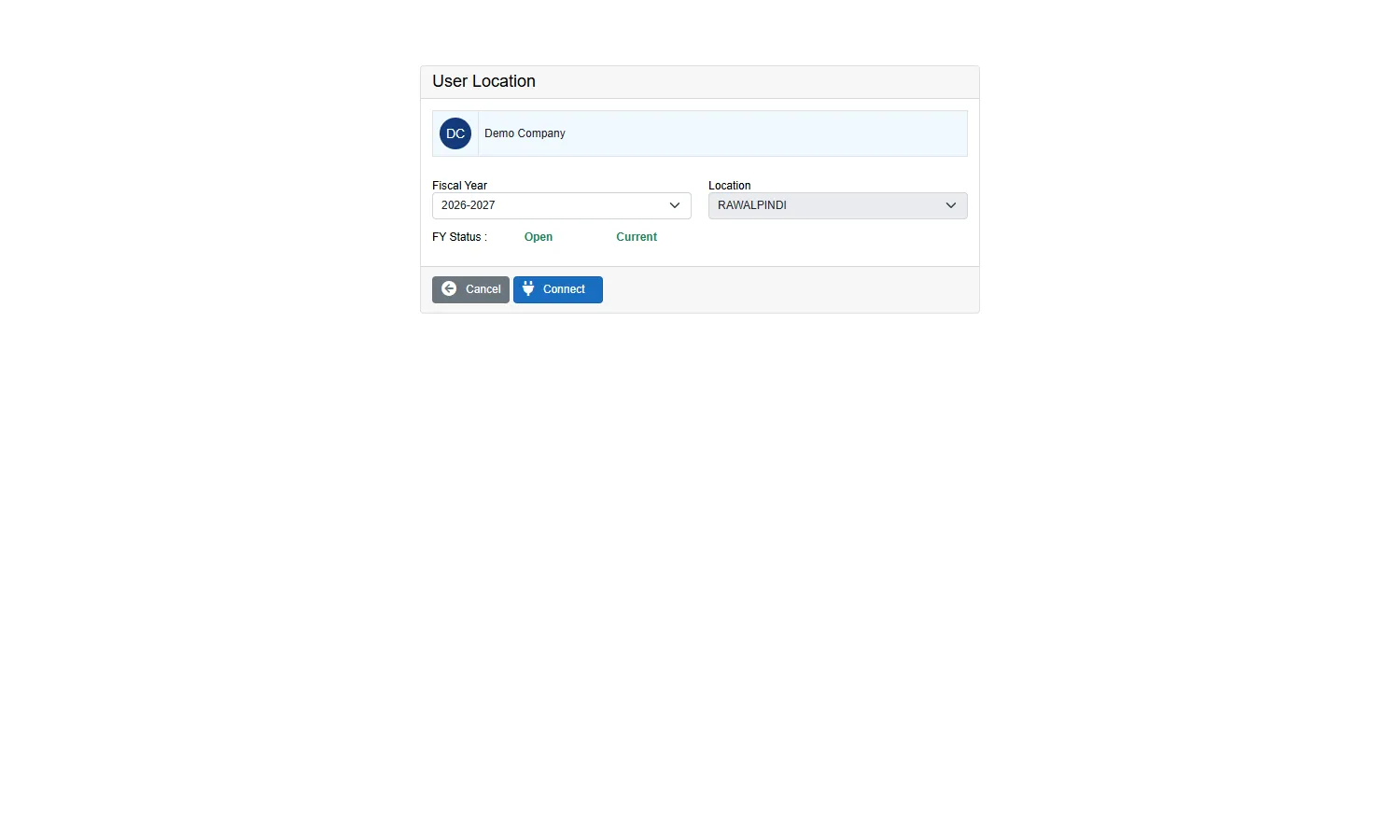
Everything you enter from now on belongs to this fiscal year and location. Document dates must fall inside the fiscal year you chose.
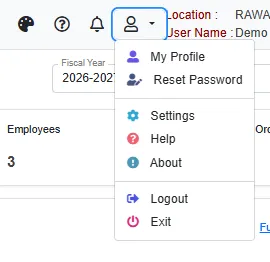
Log out
Open the user menu at the top right and click Logout, or click the exit icon at the bottom of the left strip. Always log out on a shared computer.